
My network agent now lives in my pocket. It talks to my lab, runs my tests, listens to my voice, and looks at my photos — and not one byte of it touches Slack, Discord, Webex, or anybody else’s cloud.
This is the story of the last few weeks of building NetClaw Mobile: from an emulator that Claude Code drove entirely by itself, to a friend in another city holding a real Android phone, to an iPhone talking to that Android phone through my Border, to sending a photo from my hand into a CML lab and getting an answer back.
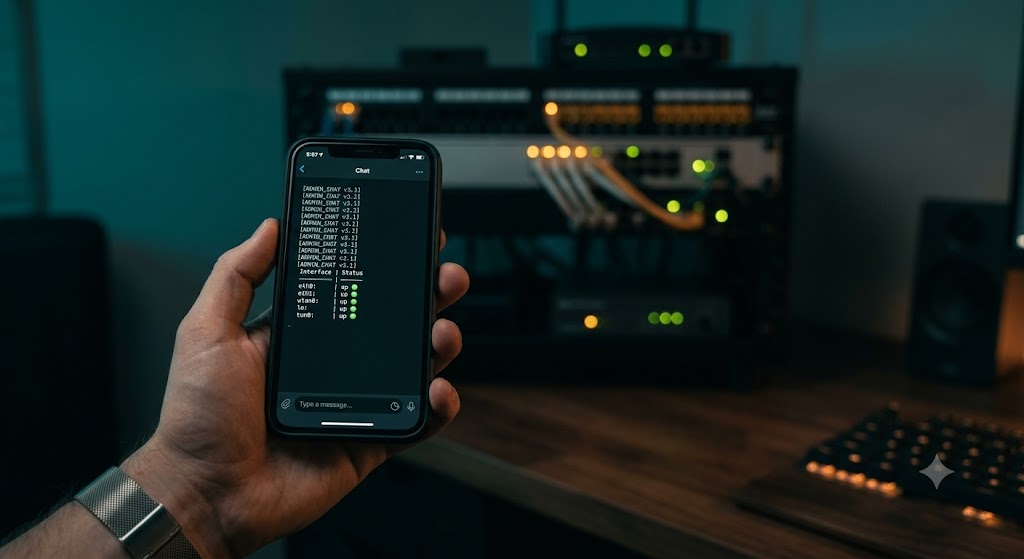
The thing that was bugging me
Every “ChatOps” story ends the same way. You build something clever, and then you bolt it onto Slack. Or Teams. Or Discord. Or Webex.
And the moment you do that, your network automation conversations — the ones containing your topology, your device names, your interface states, your outage post-mortems — are living in somebody else’s datacenter, subject to somebody else’s retention policy, readable by somebody else’s admin console, and monetizable under somebody else’s terms of service.
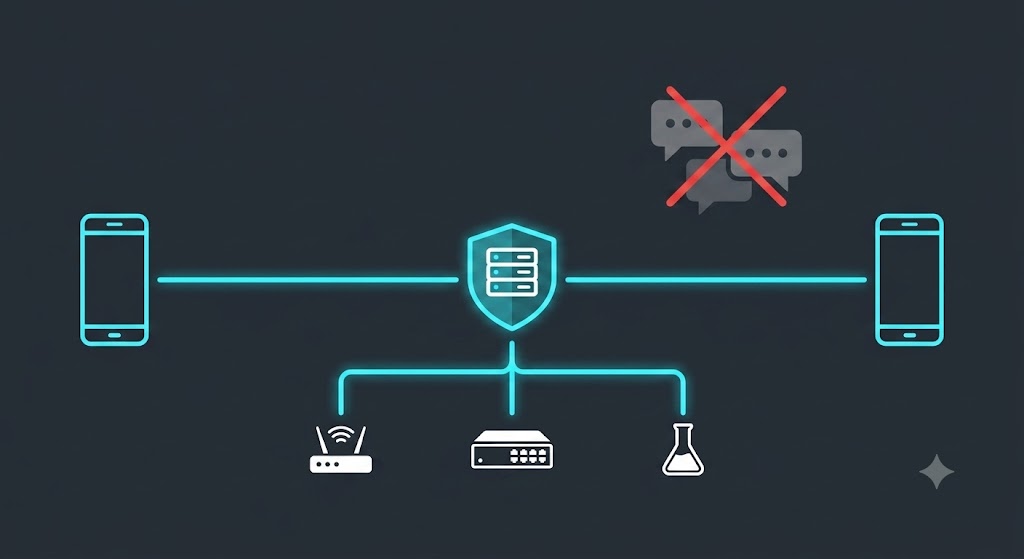
I didn’t want a bot in a chat room. I wanted a direct, private, encrypted line between my phone and my own agent, with nothing in between. No relay. No broker. No third party. No “integration.”
So that’s what we built.
Step one: an emulator that Claude Code drove itself
The first version never touched real hardware. I installed the Android SDK and spun up an emulator, and then — this is the part I still find remarkable — Claude Code drove the whole thing.
Not “generated some code and handed it to me.” It built the debug APK, installed it onto the running emulator, launched the activity, read logcat to confirm the app reached topResumedActivity without a Dart exception, watched the camera permission dialog render, and iterated when things broke.
When the release build needed R8 minification, it wrote the ProGuard keep rules, built, and checked the artifact. When the Android 11+ package-visibility rules silently hid every speech recognition service — a bug where the microphone button simply did nothing, no prompt, no error — it found the missing <queries> declaration and fixed it.
The emulator got us a long way. But an emulator has a synthetic camera that renders a test pattern, no enrolled fingerprint, and no real microphone. There is a hard ceiling on what it can prove.
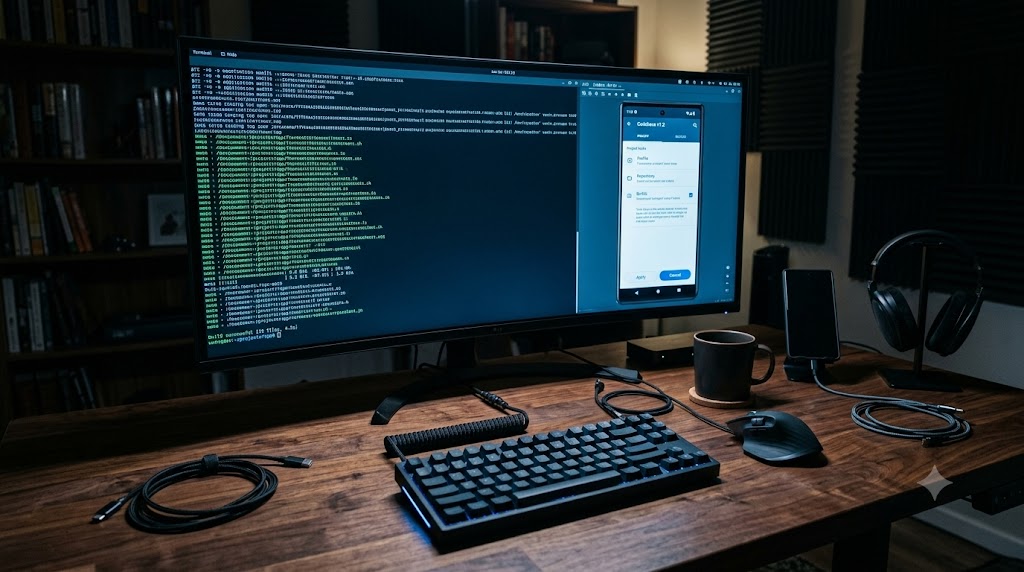
Step two: a real phone, in someone else’s hands
The first real device test was Justin on Android — a real phone, on a real cellular network, in a different place, holding an APK I’d sent him and a QR code I’d generated.
This is the moment that matters, because it’s the first time the system had to work without me able to touch anything. He tapped the APK. Android warned him about installing from an unknown source. Play Protect warned him again. He installed it anyway, opened the app, and pointed his camera at a QR code on his screen.
His phone generated an EC P-256 keypair inside its hardware keystore — a private key that has never left that device and that the app has no code path to export — presented the single-use enrollment token, and my Border pinned his public key to a brand new member row.
Then he asked my network a question, and my network answered him.
Real-hardware testing found things no amount of code review would have. The microphone bug above came from Justin reporting “the microphone option isn’t working.” Reconnection leaks, stale answers after a dropped connection, device labelling at enrollment — all of it surfaced from real phones on real networks, and all of it got fixed.
Step three: the iPhone
Then I brought up iOS on my own iPhone, and the first real compiler run immediately found two things that had been invisible for weeks.
The Secure Enclave plugin and the X.509 certificate builder — both written entirely without a Mac — had never actually been added to the Xcode project. Zero file references. The build failed with “Cannot find EdgeIdentityPlugin in scope.” And the deployment target was still on the Flutter template’s iOS 13, which Firebase’s Swift packages refuse.
Fixed both, and iOS came alive. Same Dart codebase, same protocol, different hardware root of trust: on Android the key lives in the Android Keystore, on iPhone it lives in the Secure Enclave. Face ID on one, fingerprint on the other. The Border doesn’t care — it just knows that whoever is talking to it can sign a challenge with the exact key it pinned at enrollment.
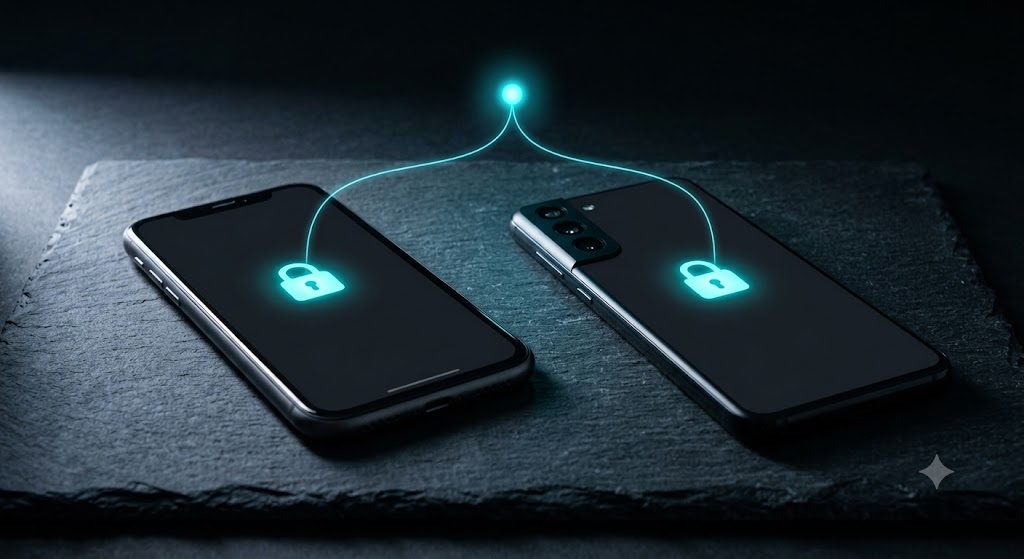
Step four: iPhone to Android, through the Border
Here’s where it stopped being a phone app and started being a federation.
My iPhone and Justin’s Android are both enrolled as node_type='edge' members of my risk. They don’t talk to each other. They each hold a private, mutually-authenticated, TLS-encrypted WebSocket to my Border — and the Border routes between them.
A message originating on the iPhone reaches the Android handset because my Border explicitly pushed it there. No relay service. No message bus in Virginia. Two phones, one Border I own, and a protocol.
Push, in both directions
This is the part I’d underestimated how much I’d enjoy.
Phone to Border works: you type or speak a question, it goes out as n2n/edge/ask, my Border runs an agent turn, fans the work out to whichever risk member owns that capability, and pushes the finished answer back as n2n/edge/ask_result.
Border to phone works too, and it’s deliberately not a firehose. There is exactly one code path that can push to a handset — an explicit operator or agent action. No ordinary channel traffic is ever mirrored to a phone. When I want my agent to tell me something, it tells me. When I don’t, my phone is silent.
Both directions ride the same live encrypted channel. (OS-level notifications for when the app is fully closed are the next piece of work — right now the channel has to be live. That’s a Firebase/APNs configuration step, not a protocol one.)
Actual work: CML and pyATS, from a phone
Demos are easy. Here’s a real one, timestamped from the logs.
I typed “check the CML lab R1 interfaces, test them and report back” into a phone. What happened next:
- 13:04:33 — the Border accepts the ask over the edge WebSocket and negotiates capabilities
- 13:04:46 —
cml-lab-lifecyclecompletes on thecmlrisk member - 13:04:59 — the router selects
pyats-health-check, dispatches to thepyatsmember, and writes a GAIT audit record - 13:06:10 — pyATS returns success
- 13:06:46 — a 1,583-byte answer lands on the handset
Two minutes and thirteen seconds, phone to lab to phone, with a full audit trail for every delegation. Not a canned response — a real CML lab, really booted, really tested with pyATS, from a device in my hand.
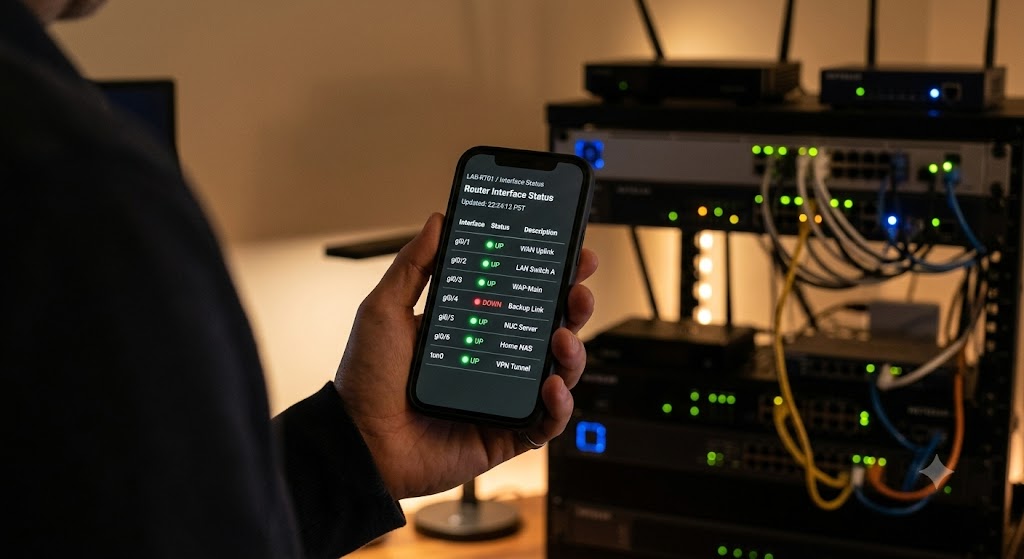
Voice, on both platforms
Typing CLI-adjacent questions on a phone keyboard is miserable, so voice input works on both Android and iPhone. You hold the mic button, say what you want, and it transcribes on the device before anything is sent.
That detail matters more than it sounds. The audio never leaves your phone. There’s no speech-to-text API in the middle, no vendor transcript, no recording sitting in a bucket. The phone turns your voice into text locally, and only the text goes out over the encrypted channel.
Photos, into the lab
And then the one that genuinely made me grin: you can take a photo and send it to the lab.
Point the camera at a whiteboard topology, a cabling run, a console screen, an error on a device face — snap it, attach it, ask about it. The image rides the same encrypted NCFED channel as everything else, straight to my own Border, where my own agent looks at it.
Capture works in both directions, too. The Border can request a capture from an enrolled device — and every capture type has an individual toggle in the app. Turn photo capture off and the Border can’t even discover it as a possibility, let alone request one.
The part that actually matters: NCFED
All of the above rides on NCFED — the NetClaw Federation protocol, which is now an IETF Internet-Draft.
Here’s what that buys you, concretely:
- Direct. Your phone dials your Border at your domain. There is no intermediary service, no vendor relay, no account with anyone.
- Encrypted. A domain-verified TLS WebSocket. The app validates the certificate and has no bypass — a phone enrolled for your Border will not complete a handshake against anything else.
- Hardware-rooted identity. Secure Enclave on iPhone, Android Keystore on Android. The private key is unexportable by design.
- Trust on first use, then pinned. Single-use enrollment tokens, hashed server-side. Every later connection must sign a challenge with that exact key.
- Revocable from your side. Lost phone? Remove the member. You never need the device back.
- Audited. Every request a phone originates lands in the GAIT audit trail, attributed to that member.
- Least privilege. An enrolled phone is a peer that can ask questions, not an admin console. No shell, no filesystem, and it cannot enroll anyone else.
No Slack. No Discord. No Webex. No Teams. No third-party bot framework, no webhook relay, no SaaS in the path. Your phone, your Border, your network.
Try it yourself
It’s not on the app stores yet — that’s in progress on both, and Google Play’s twelve-testers-for-fourteen-days requirement means it’ll be a few weeks. In the meantime it’s sideloadable today, and it’s a generic client: no hostnames, no credentials, nothing baked in. It binds to whichever Border enrolls it. Point it at your own.
In the repo under mobile/netclaw-mobile/:
SIDELOAD.md— build it and get it onto a device. Android is an APK you can send by any means; iOS needs TestFlight, an Ad Hoc build, or a cabled Mac.MOBILE-ONBOARDING.md— the Border side. Issue an enrollment token, verify the pinned key, revoke when you’re done. Read the security model here first.TESTER-INSTRUCTIONS.md— a copy-paste handout if you’re sending a build to somebody else.
You’ll need Flutter 3.44.8, JDK 17, and the Android SDK — plus Xcode and your own signing team for iOS.
Where this goes
What started as “can I check my lab from my phone” turned into something I didn’t expect: a general-purpose, protocol-level answer to the question of how an autonomous agent and a human should talk to each other when neither one wants a middleman.
The phone is just the first edge node. The protocol doesn’t care what’s on the other end.
Huge thanks to Justin for being the first person outside my house to trust an APK from me and tell me honestly what was broken.